
Copy on your Mac.
Paste on your iPhone.
Clipwave moves text, links and images between iPhone, iPad and Mac signed in to the same Apple ID, through iCloud. No sign-up, no third-party server.
Coming to the App Store · Free
iOS / iPadOS 18 or later, macOS 15 or later. The app interface is in Korean.
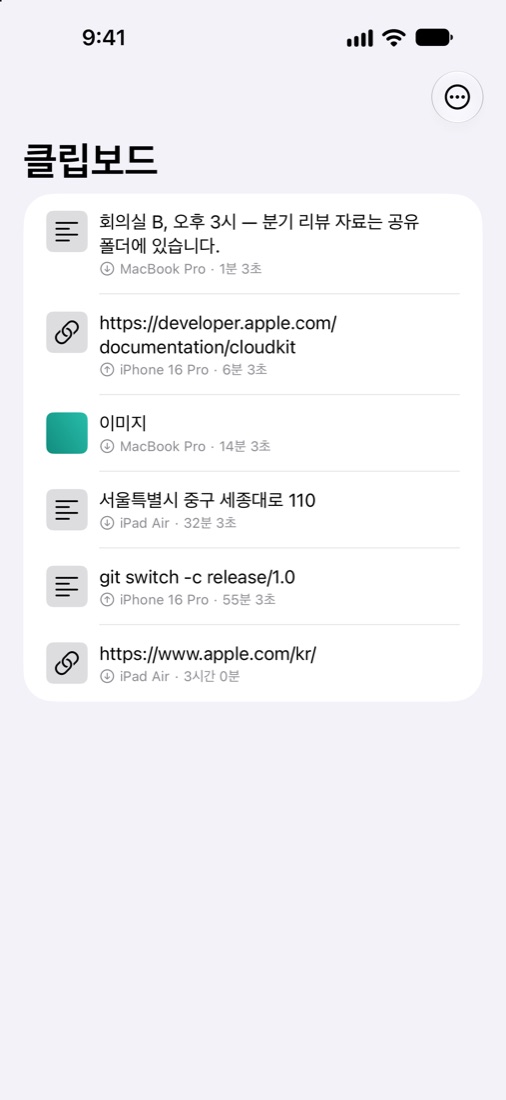
How it works
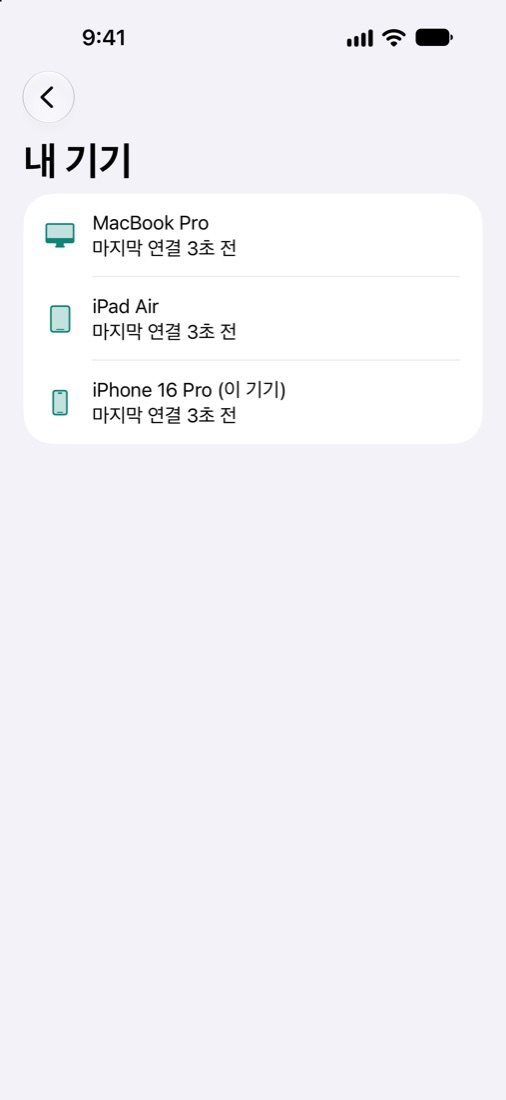
Register each device once. After that, copy and paste as usual.
-
01
Copy on Mac → paste on iPhone
The menu bar app notices a copy within half a second and sends it. Open Clipwave on iPhone or iPad and the item is already on the clipboard.
-
02
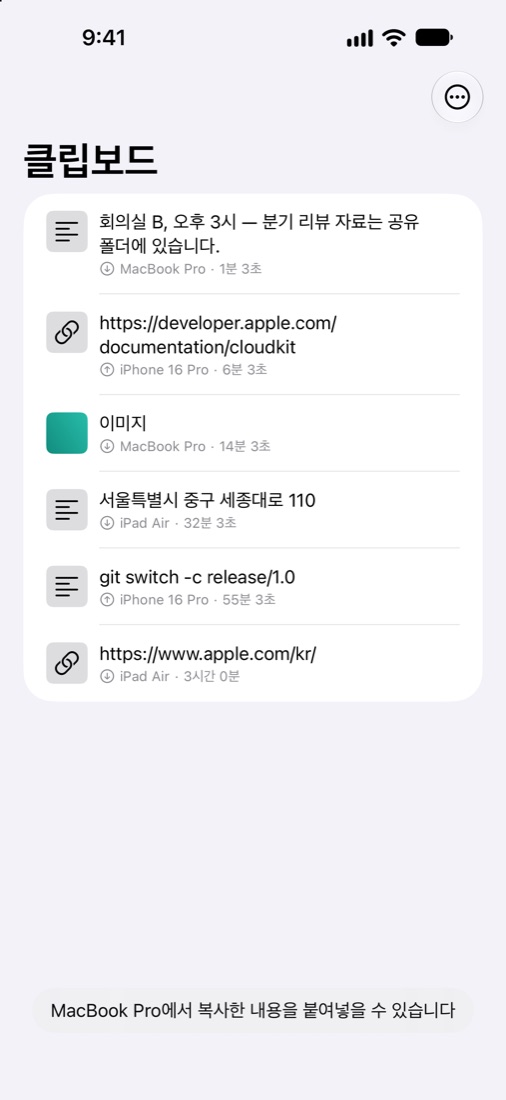
Double-tap the back of iPhone to send to Mac
Connect one shortcut to Accessibility › Back Tap and send without opening the app. On Mac, paste right away with ⌘V.
- You can also use "Clipwave로 보내기" (Send with Clipwave) in the share sheet.
- Setup steps are in the app and on the support page.
-
03
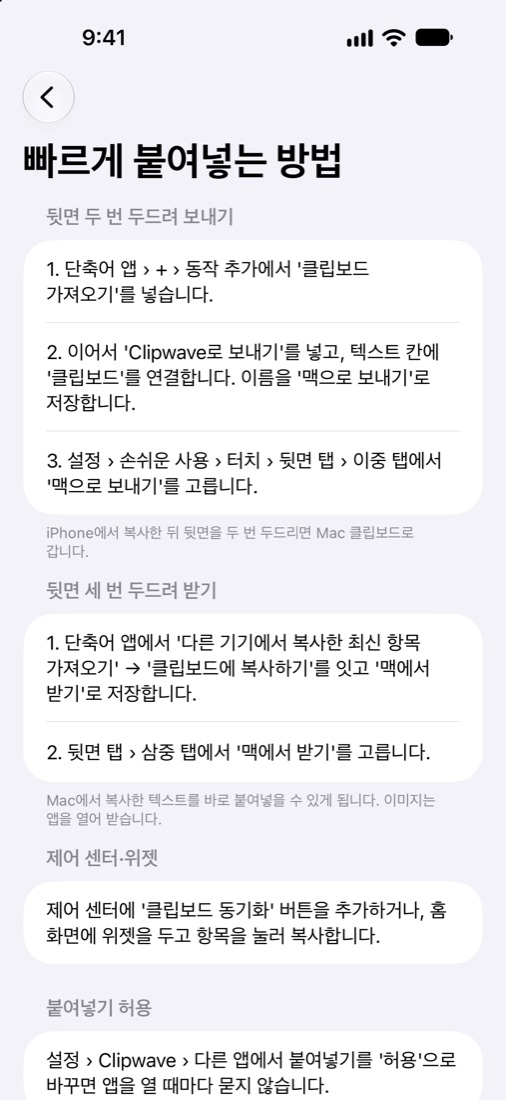
One history on every device
The latest 500 items from the last 30 days, the same list everywhere. Tap an item to copy it again; delete it on one device and it is deleted on all. Home Screen widget and Control Center button included.
It stays in your iCloud
- No developer server
- Your items are stored only in your own iCloud private database. NextGenAI Co. cannot read them.
- Concealed items are skipped
- Copies marked as concealed, for example by password managers, are never sent.
- No tracking
- No advertising, analytics or tracking SDKs. This website uses no cookies or analytics either.
Requirements
- iPhone or iPad with iOS / iPadOS 18 or later, Mac with macOS 15 or later
- All devices signed in to iCloud with the same Apple ID
- Images up to 10 MB each
Questions? See the support page or write to khan@nextgenai.kr.